You haven't signed in yet, you can have a better experience after signing in
*Please complete the payment within {{receiveCouponInfo.expire_at}}Previous use*
You haven't signed in yet, you can have a better experience after signing in


Activity Rules
1、Activity time:{{ info.groupon.start_at }} ~ {{ info.groupon.end_at }}。
1、Activity time:cease when sold out。
2、Validity period of the Group Buying:{{ info.groupon.expire_days * 24 }} hours。
3、Number of Group Buying:{{ info.groupon.need_count }}x。
Please Pay Attention
1、Teamwork process: Join/initiate a Group Buying and make a successful payment - Within the validity period, the number of team members meets the activity requirements - Group Buying succeeded!
2、If the number of participants cannot be met within the valid period, the group will fail, and the paid amount will be refunded in the original way.
3、The number of people required and the time of the event may vary among different products. Please pay attention to the rules of the event.

Path Finder - macOS 的头号文件管理器
无与伦比的生产力功能
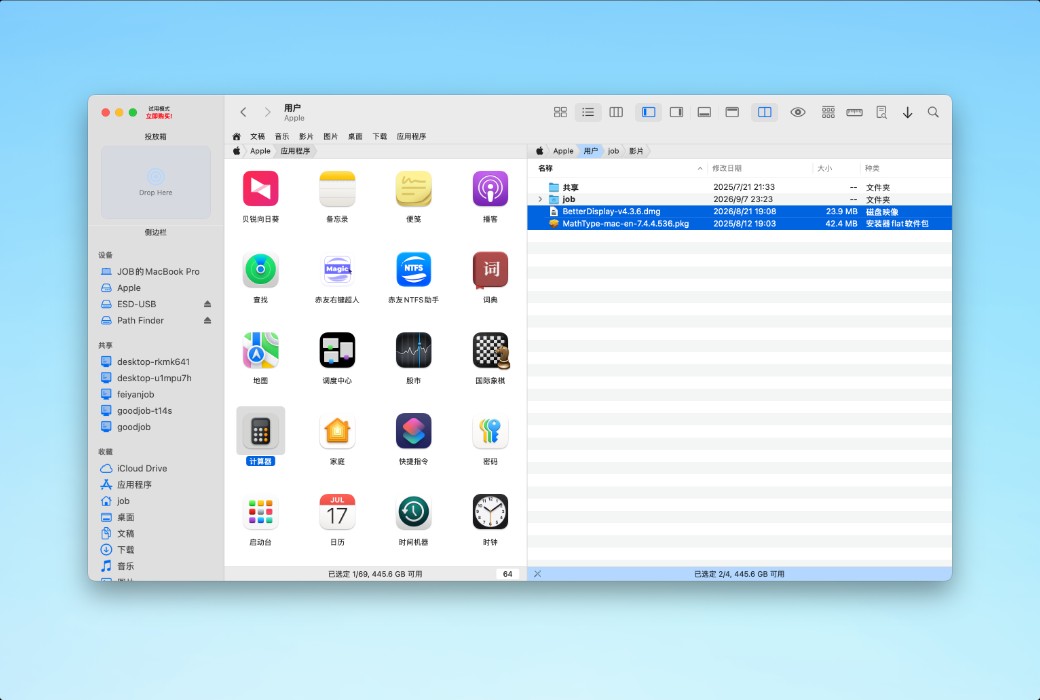
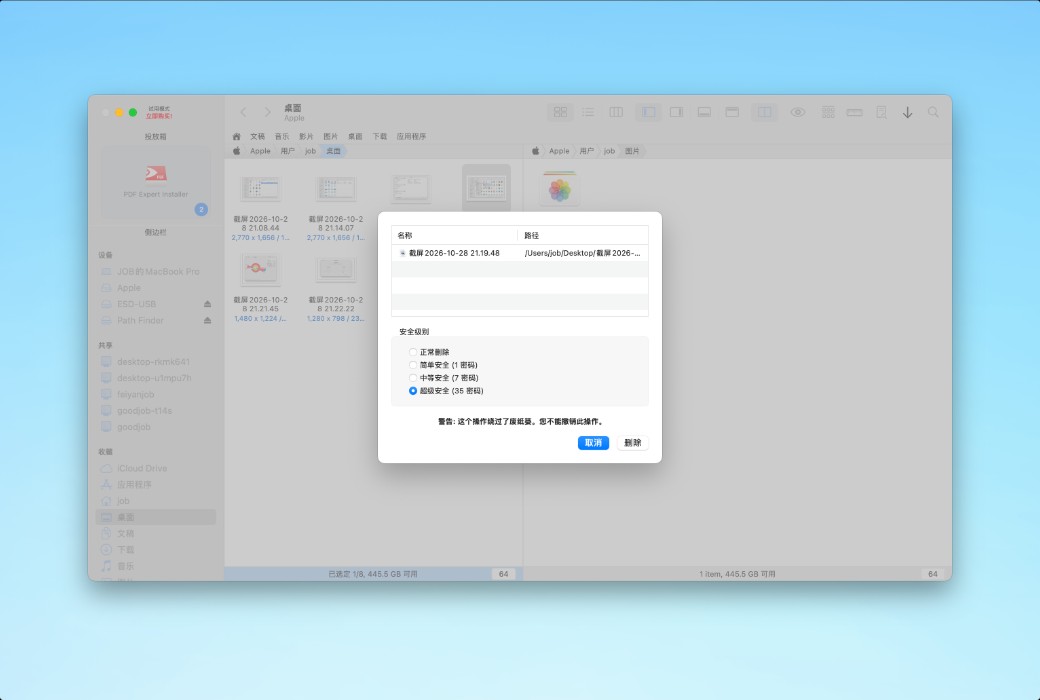
双窗格浏览
使用双窗格视图,只需单击一下即可将文件从一个窗格复制到另一个窗格。
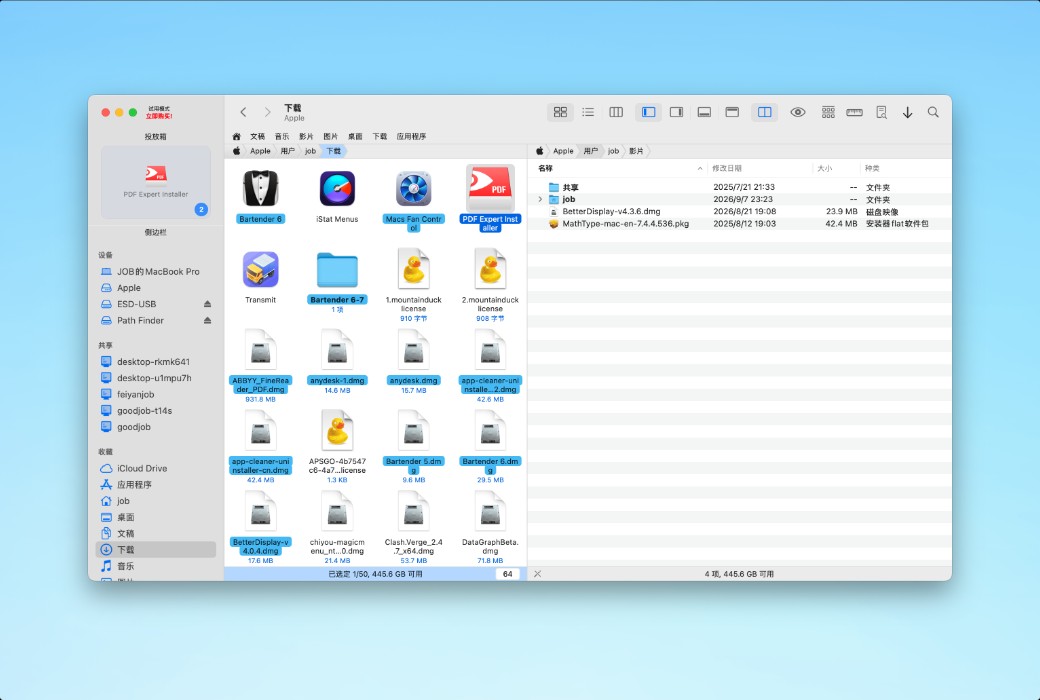
下拉堆栈以复制/移动
Path Finder 的创新 Drop Stack 技术彻底改变了 Mac 上的复制/移动操作。
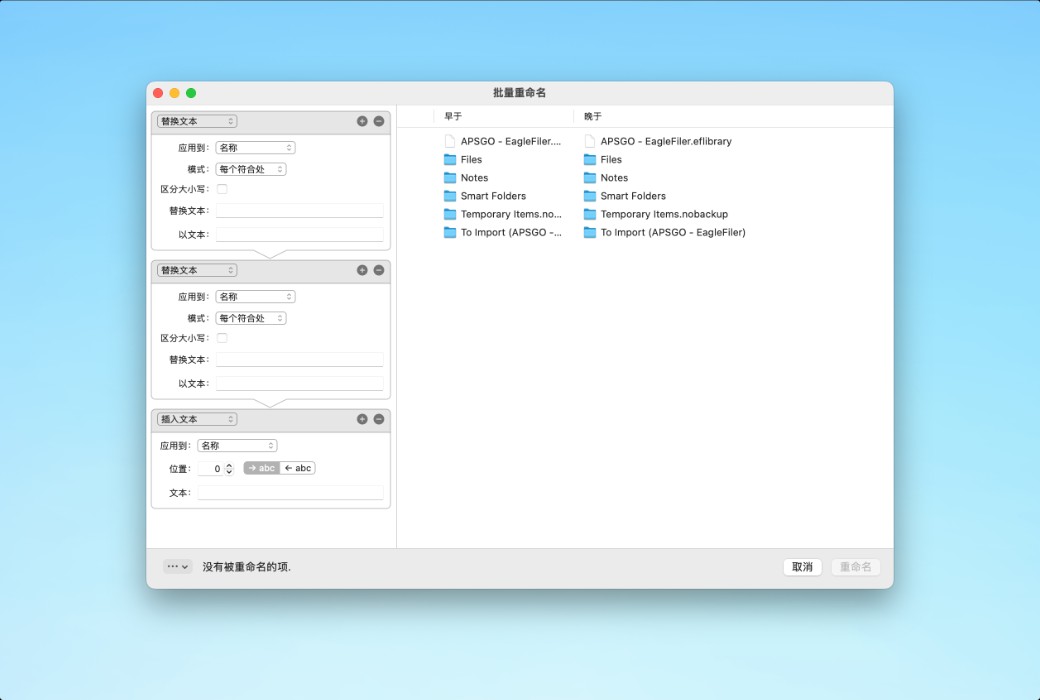
高级文件和文件夹操作
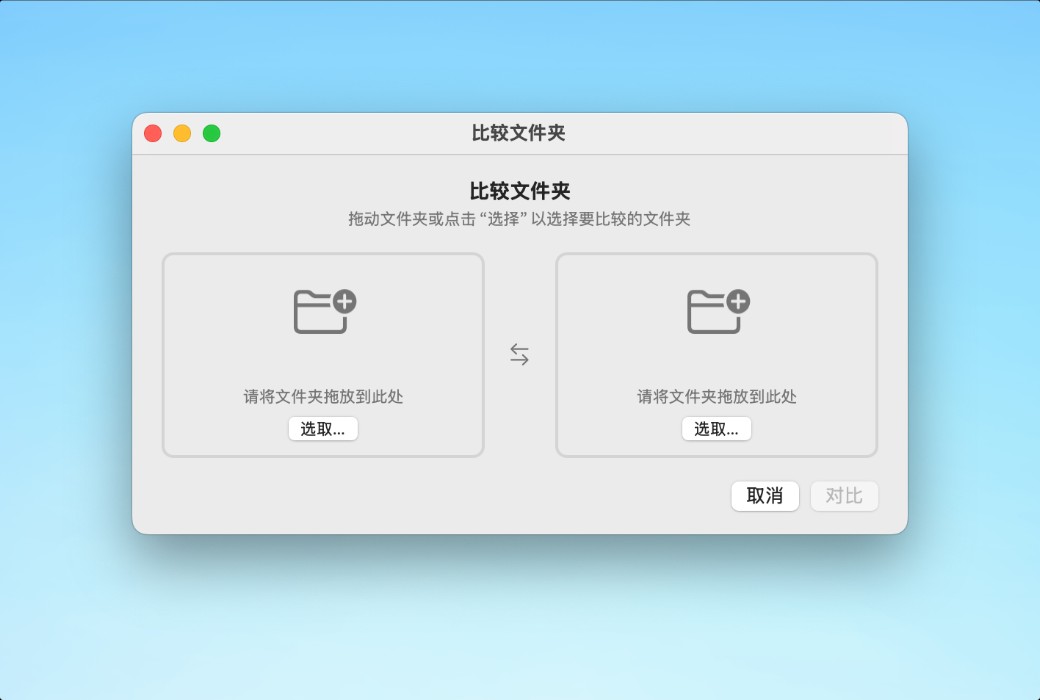
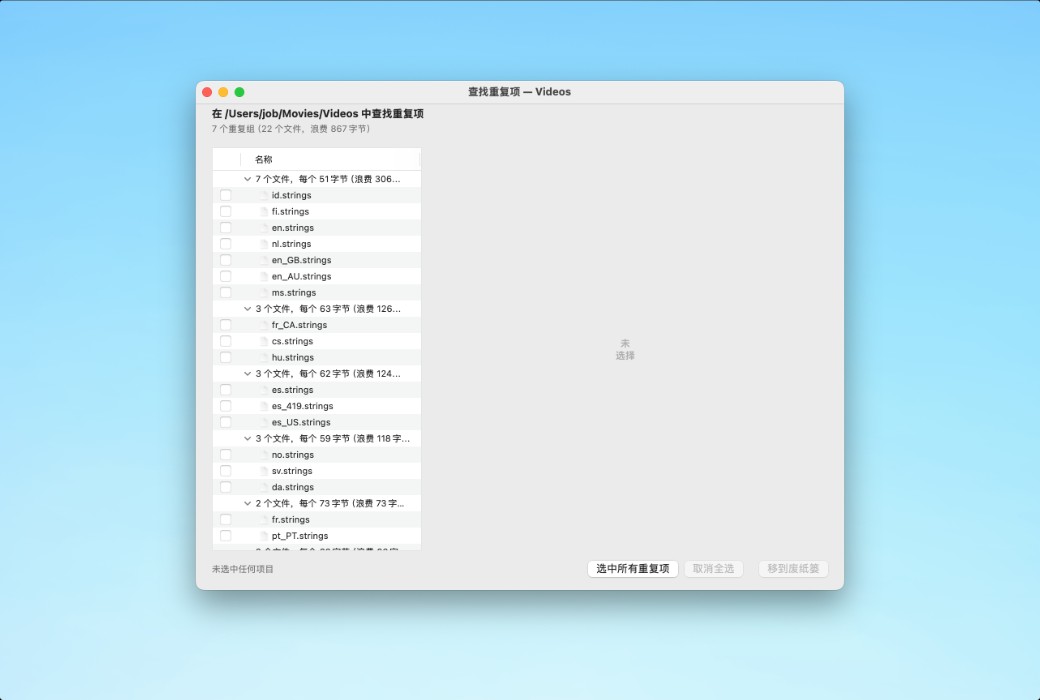
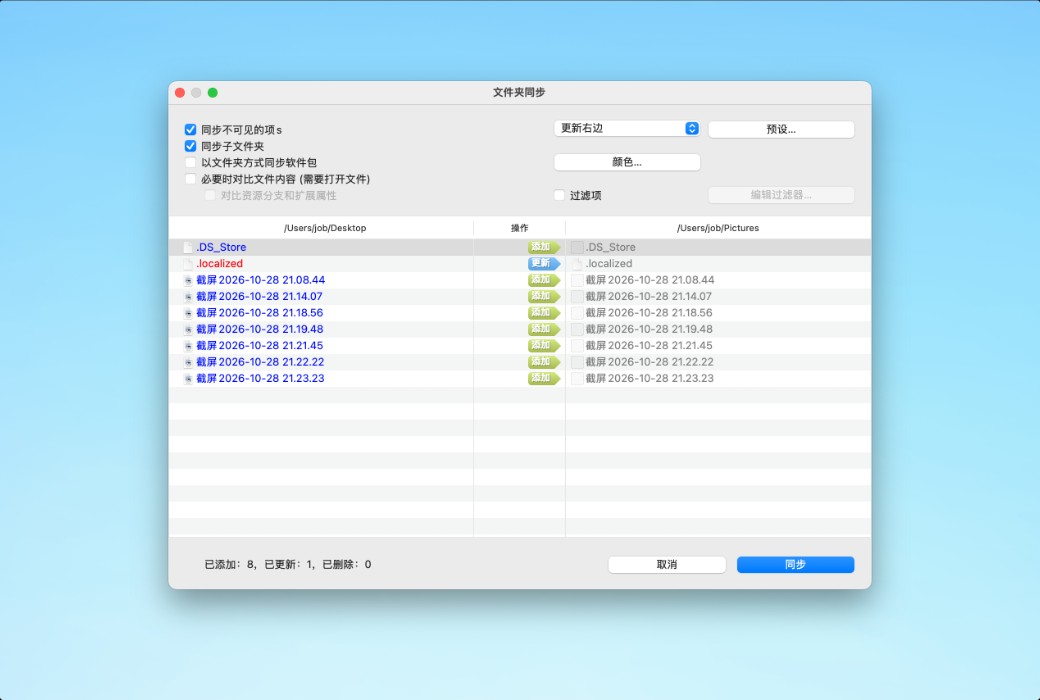
Path Finder 提供大量高级文件和文件夹操作:
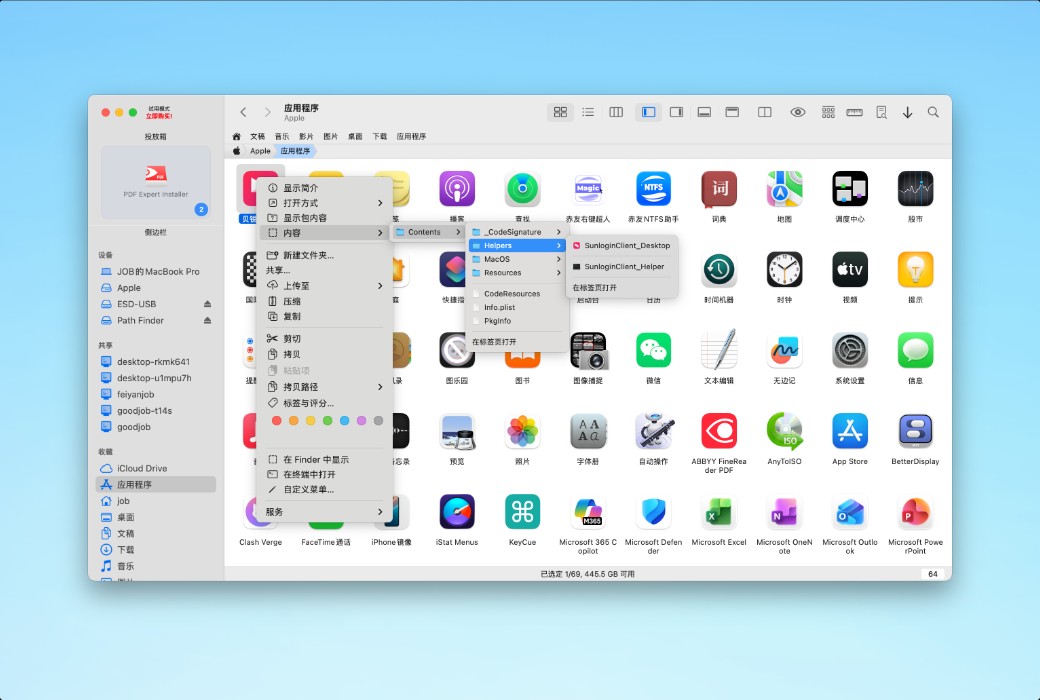
像专家一样浏览和查找文件
通过书签和标签预设,轻松访问常用文件和文件夹。直接在路径导航器中键入,快速查找文件。使用过滤功能快速查找当前文件夹内的文件。
文件动画可视化
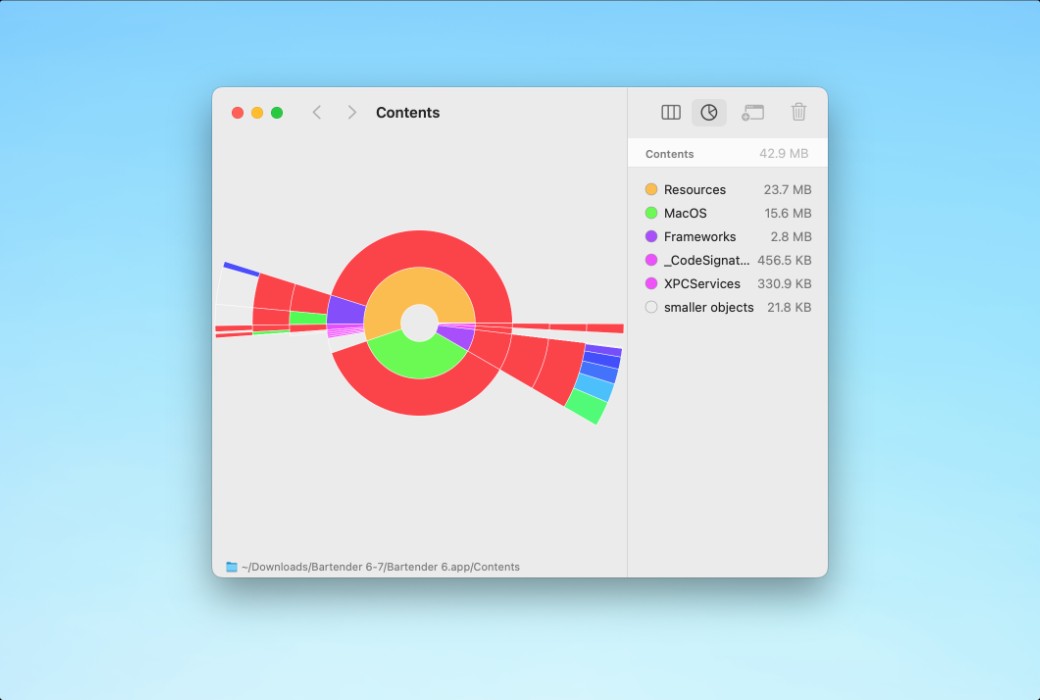
Path Finder 的 "大小浏览器 "可让您按大小浏览选定的文件和文件夹。此外,"分层列视图 "和 "分层图表视图 "还可根据文件和文件夹的层次和大小对其进行详细了解和可视化。
为什么使用 PATH FINDER?
Path Finder 拥有控制文件所需的所有工具。
下载中心:https://path-finder.apsgo.cn
发货时间:24 小时自动发货
运行平台:macOS
界面语言:支持中文界面显示,多语言可选。
更新说明:终身授权,支持1年更新。
买前试用:购前可免费试用。
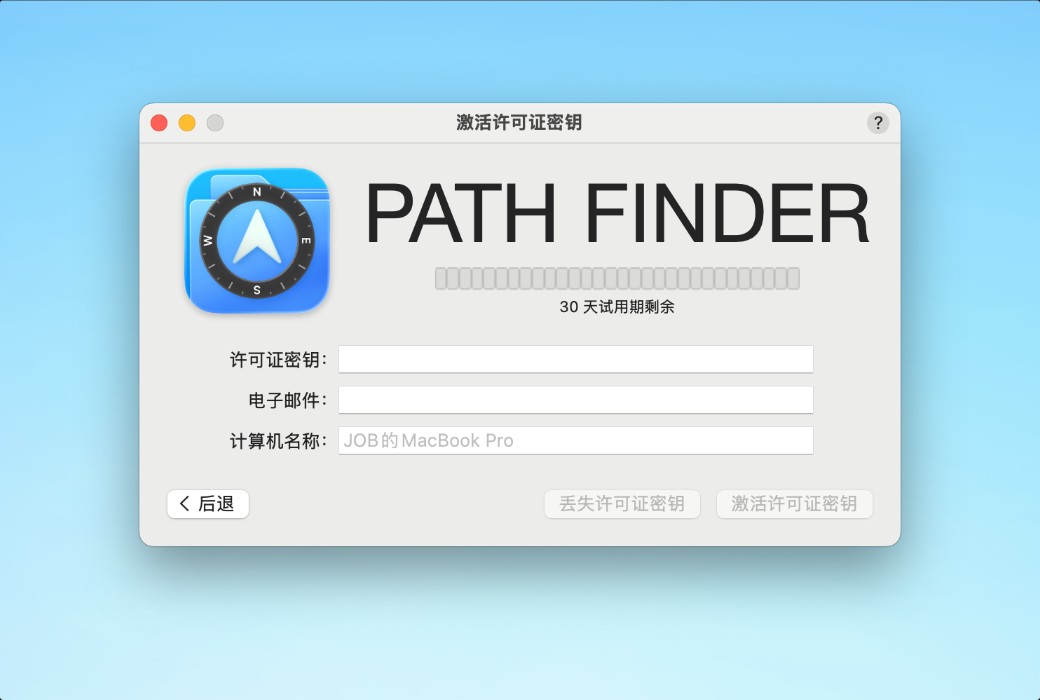
如何收货:购买后,激活信息会以邮件的形式发送到下单时的邮箱,同时可在个人中心,我的订单中查看对应的产品激活码。
设备数量:可安装 2 台设备,同时 1 台设备使用。
更换电脑:原设备取消授权,新设备再激活。
激活引导:待添加。
特殊说明:待添加。

Any question

Path Finder 与苹果公司的 Finder 不同,使用起来非常直观。
你可以查看一些基本教程,但这款应用程序的设计目的是让任何人都能立即掌握并使用其顶级功能。